Watch Styles
Day Date Watches: How the Complication Works and the Best Picks
 Michael Chen·5 min read
Setting a day date watch takes two minutes once you know the crown positions and the one window of the night to stay out of. Here is the order that works on almost every movement.
Prices checked October 9, 2026Compared across brandsHow we choose
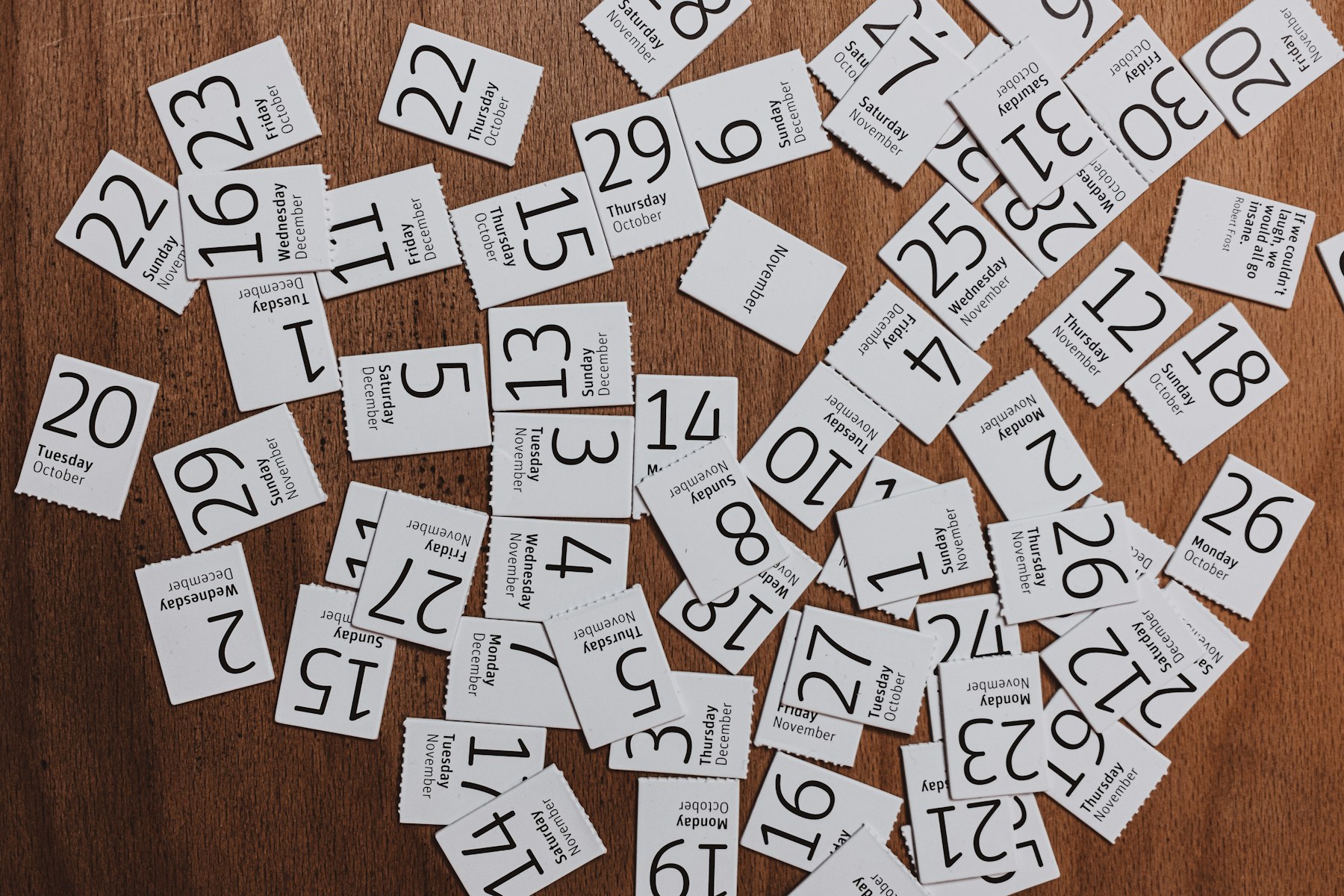
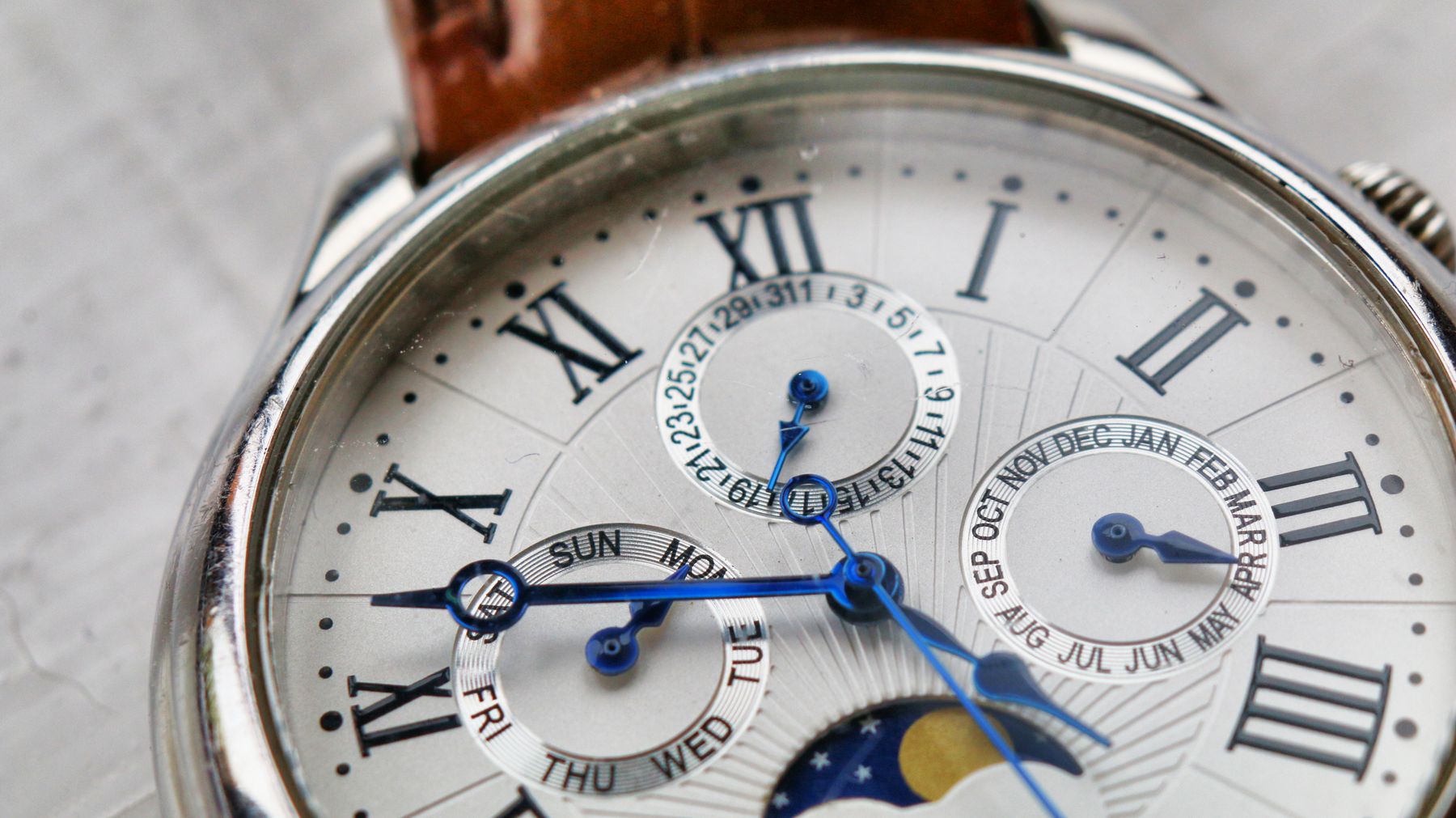
A day date watch shows two calendar windows on the dial, the day of the week and the date, usually at three o'clock or split between the top and the right of the dial. Both change by themselves around midnight. The only time you need to touch them is when the watch has stopped, after a battery change, when a month ends on a 30th or earlier, or when you have just taken it out of the box. Getting it right is easy if you follow one order and avoid one stretch of the night.
Almost every day date watch uses the crown for all three jobs, with a click between each position:
| Crown position | On most watches |
|---|---|
| 0, pushed in | Normal running; on an automatic, turning it winds the mainspring |
| 1, first click out | Quick set: one direction moves the date, the other moves the day |
| 2, fully out | Time setting; the hands move, and on many watches the seconds hand stops |
Some movements set the day by moving the hands through midnight instead of by quick set; your instruction sheet will say.
If the crown screws down, as on many sports watches, unscrew it counterclockwise until it pops out to position 0 before you begin, and screw it back in when you finish, pushing gently as you turn so the threads catch cleanly.
Price tracker · prices checked October 9, 2026
What one watch has cost over time, listed and per watch while the store ran its offer.
The trick is to set the calendar while the hands are somewhere harmless, then bring the hands round to the correct time. Done in this order, the watch rolls over to the right day at the right midnight.
Why yesterday? Because rolling through midnight in step 3 is the only reliable way to know whether the hands are showing morning or afternoon. Without it, half the time you end up with a date that changes at lunch.
From roughly 9 in the evening to 3 in the morning, the wheels that change the date are already moving into position. On many mechanical movements, using quick set during that window pushes against teeth that are partly engaged, and the result can be a bent tooth or a calendar that sticks. Quartz movements are generally more tolerant, but the habit costs nothing.
The rule is simple: never use quick set while the hands sit between about 9 and 3. If they do, move them to 6:30 first, as in step 1 above. Some watchmakers widen the window to 8 to 4 for safety; if your instruction sheet names a range, follow it.
A day date watch does not know that September has 30 days or that February has 28 or 29. On the first of the month after a short one, it will show 31, or 29 and 30 and 31 after February. To correct it, check the hands are outside the danger zone and click the date forward with quick set until it reads 1. You need to do this five times a year. Watches that handle it automatically are called annual or perpetual calendars, and they cost a great deal more.
The day date layout is one of the most recognizable dress sports watch designs, and it is common at every price. How the complication evolved and how it works inside is covered in our day date watches guide, and our day date style watches under $150 compares the affordable versions of the look.
The Lucky Fours Santos at $129.99 carries the classic arrangement, a fluted bezel and five link bracelet with day and date windows, in 18 colorways. For something plainer, the Fortuno at $79.99 puts a day date window on a clean teal sunray dial. Both are Quartz, so they keep the calendar running without winding, and the steps above work the same way.
WatchesUnder is owned by BlackRobin Capital Inc.
Whatever you wear, the mistakes that damage calendars and crowns most often are listed in eleven watch care mistakes to avoid.
The hands are twelve hours out. The watch thinks it is midnight when it is noon. Pull the crown to the time position and advance the hands a full twelve hours, then set the correct time.
On most quartz watches and many mechanical ones, yes, as long as you are not inside the evening window when the calendar is changing. To be safe, set the time moving forward.
The hours around midnight, roughly 9 pm to 3 am, when the calendar wheels are partly engaged. Quick setting the day or date during that window can damage some mechanical movements.
Many movements carry a bilingual day wheel, often English and another language. Each quick set click alternates between them, so keep clicking until the day appears in the language you want.
Michael Chen covers automatic watches, watch brands and Watch 101 for WatchesUnder: how movements work, how to size and care for a watch, and how the affordable brands compare. Prices in his guides are checked against each brand's own website.
Watch Styles
Michael Chen·5 min read

Look Expensive
 Daniel Reyes·4 min read
Watch 101
Michael Chen·4 min read
Watch 101
Michael Chen·4 min read
We use cookies and similar technology to see which guides are read. When you arrive from an ad, we also pass the ad's click identifier to the store you visit from our links. You can accept or reject this, and change your choice any time under Cookie settings. Privacy policy
